Wallets
7 min
RPC and Chain settings
Hardware Wallets
Tangem
Trezor
Ledger (MetaMask)
OneKey
Software Wallets
MetaMask
To configure MetaMask to connect to the OctaSpace network it’s necessary to add new network:
- Click the button with current network and press button
- Add Network

- Fill the fields as following:
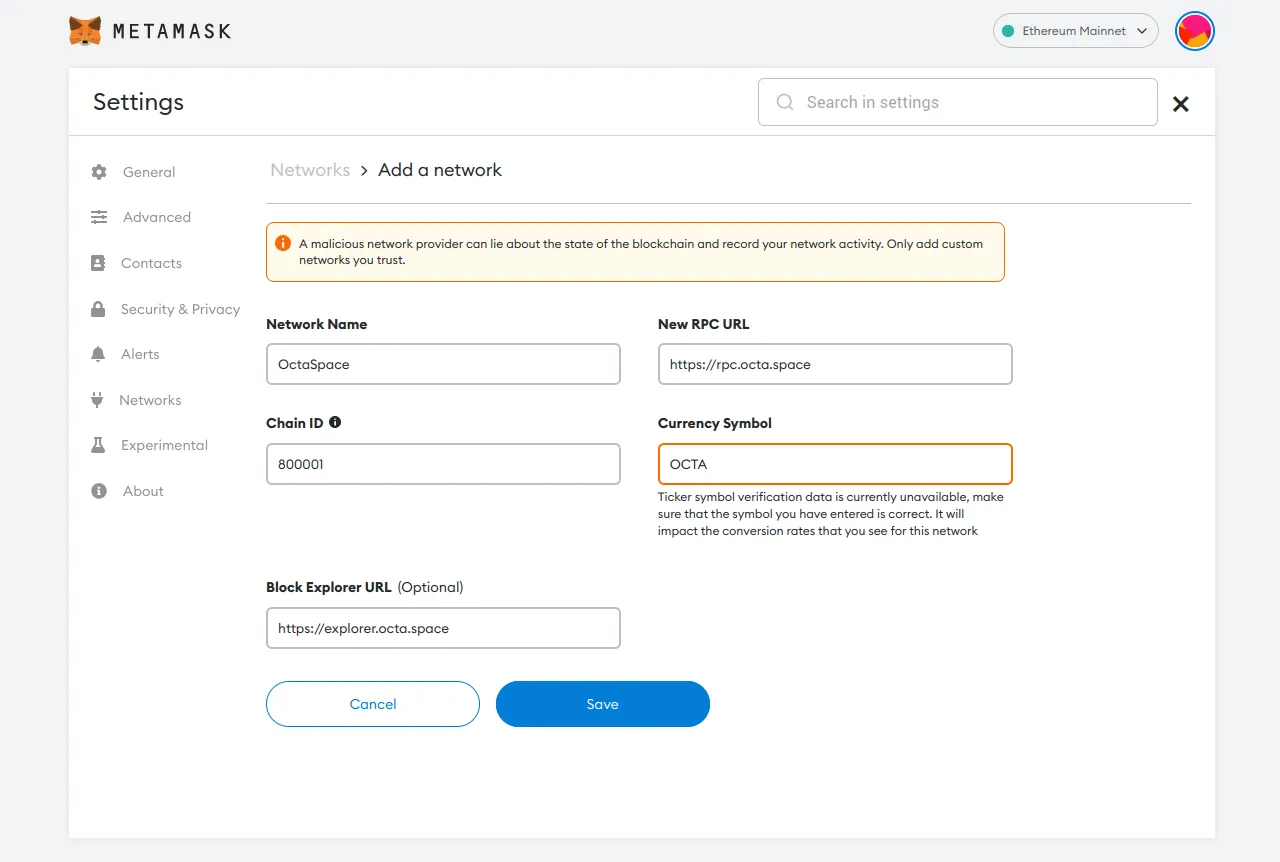
- Network Name: OctaSpace
- ChainId: 800001
- Block Explorer URL: https://scan.octa.space
- New RPC URL: https://rpc.octa.space
- Currency Symbol: OCTA
OneKey Wallet
Press the icon with current network
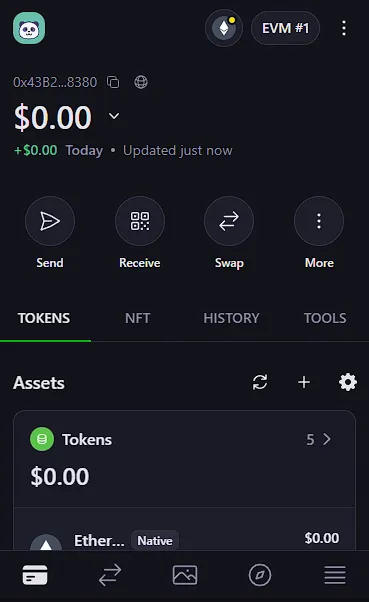
Press '+' button and then 'Add EVM chain':
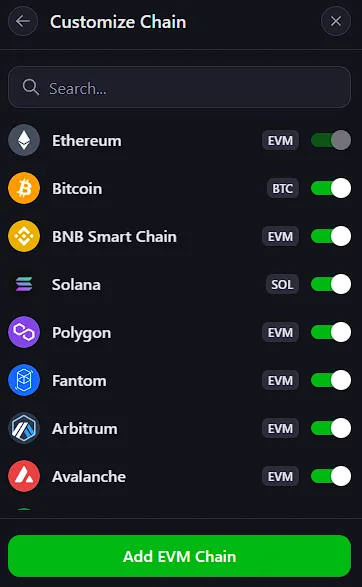
Fill the form as following:
- Chain Name: OctaSpace
- RPC URL: https://rpc.octa.space
- Chain ID: 800001
- Symbol: OCTA
- Blockchain Explorer URL: https://explorer.octa.space
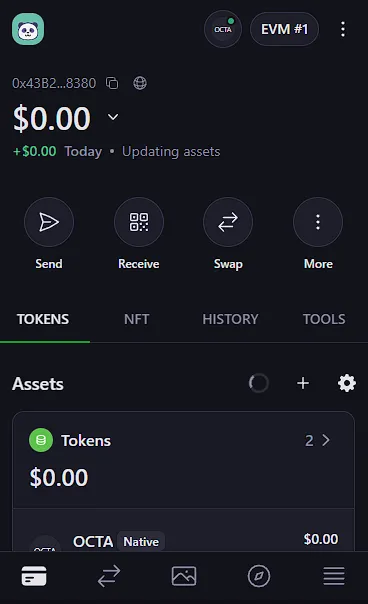
- Done
AlphaWallet
Go to Settings, in System menu click on Select Active Networks and then press the + button on the right top corner.
Fill the form as following:
- Network Name: OctaSpace
- RPC URL: https://rpc.octa.space
- Chain ID: 800001
- Symbol: OCTA
- Transactions Explorer URL: https://explorer.octa.space/tx/
- Explorer API: https://explorer.octa.space/api?