Pearl (PRL)
Running Pearl mining on OctaSpace is very straightforward.
We have integrated Alpha Miner which enables one-click launch mining of Pearl.
To launch, go to the marketplace and selecting mining category.
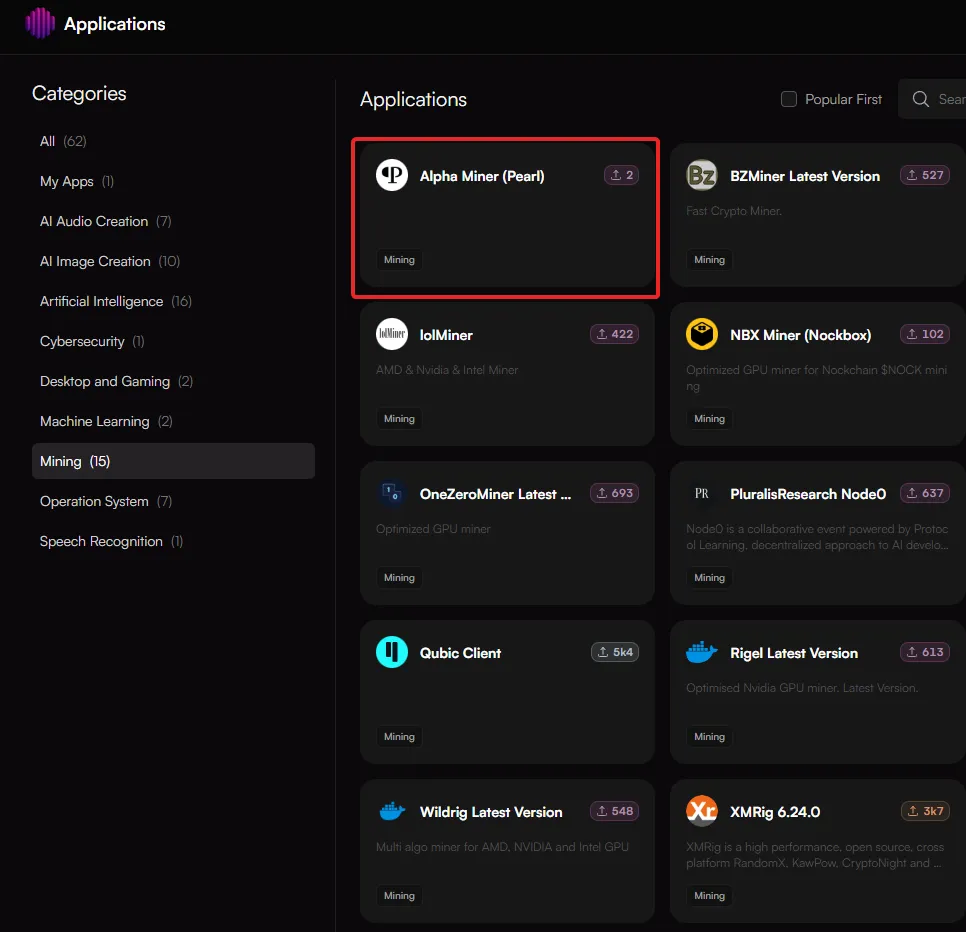
Once you have selected the miner, you will be redirected to the node selection section, where compatible nodes are automatically filtered and presented.
Tip: Use advanced filtering from the left hand side panel and top filtering to refine your results that fit your needs.
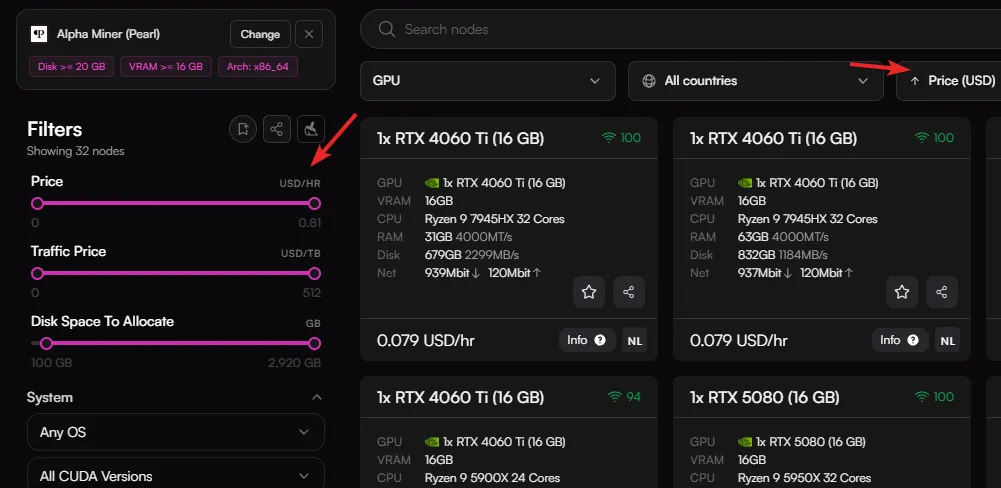
Choose one or more nodes that fit your requirements by clicking on them and then click Configure.
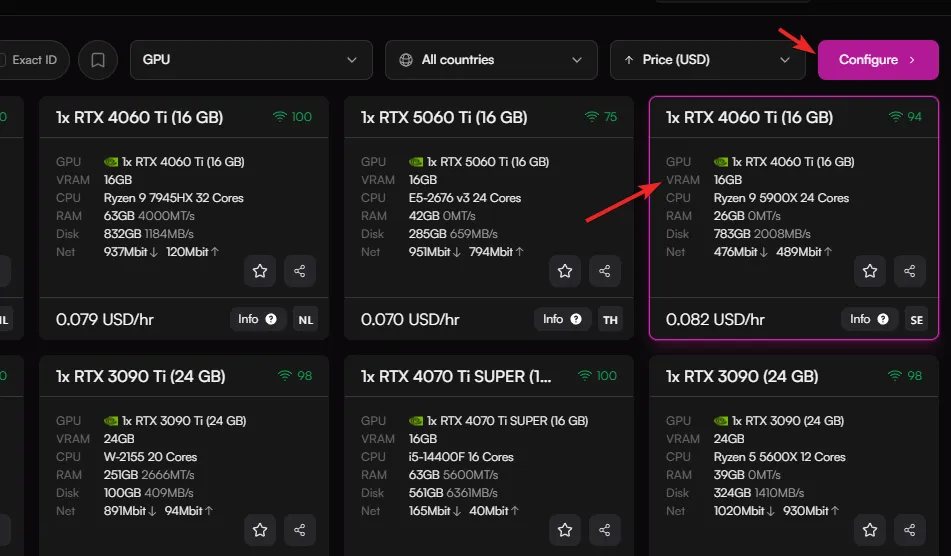
You will be redirected to the configuration page where you can set the following:
- Wallet address
- Pool address
- Port
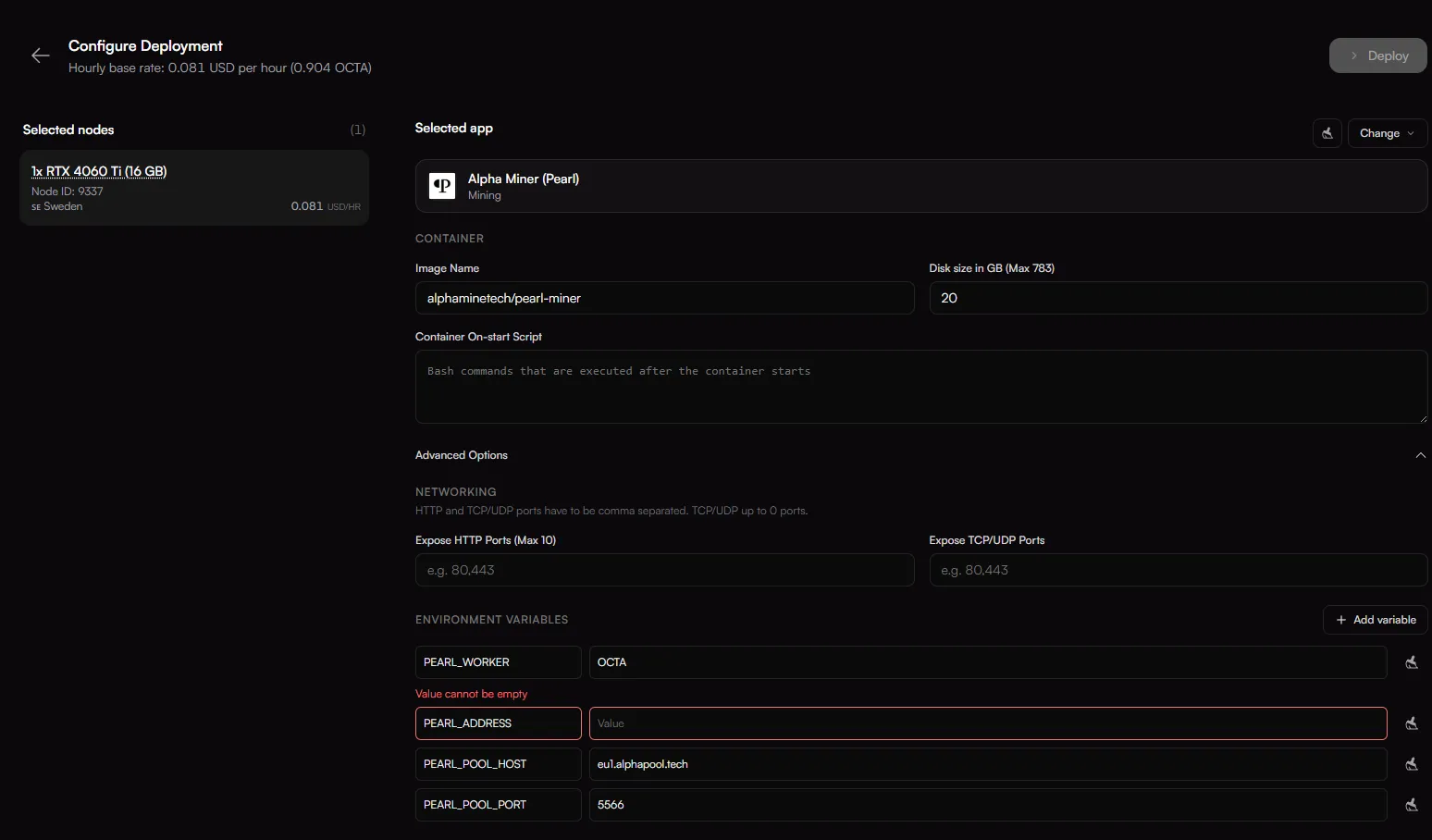
If you don't have a Pearl wallet address, you can obtain it by downloading the Pearl Wallet - https://github.com/pearl-research-labs/pearl/releases
For pool, you will need to set the address and port that is the nearest to the nodes location:
Location | Host | Port (Pooled) | Port (Solo) |
|---|---|---|---|
US | us2.alphapool.tech | 5566 | 5567 |
Europe | eu1.alphapool.tech | 5566 | 5567 |
Asia | sg1.alphapool.tech | 5566 | 5567 |
Once you're ready to start mining, click "Deploy"
Once the service is ready it will say "Service Configured".
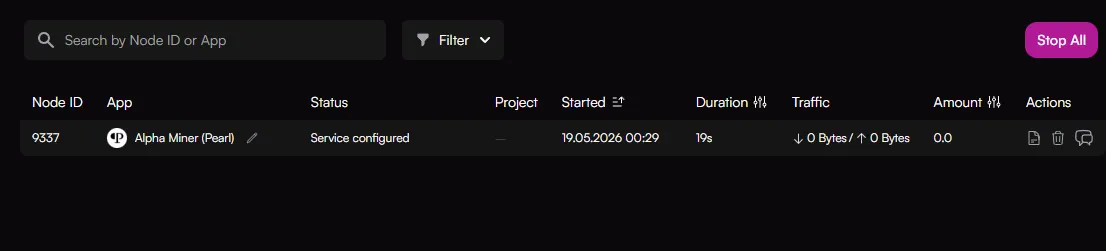
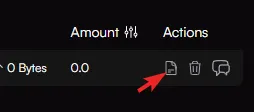
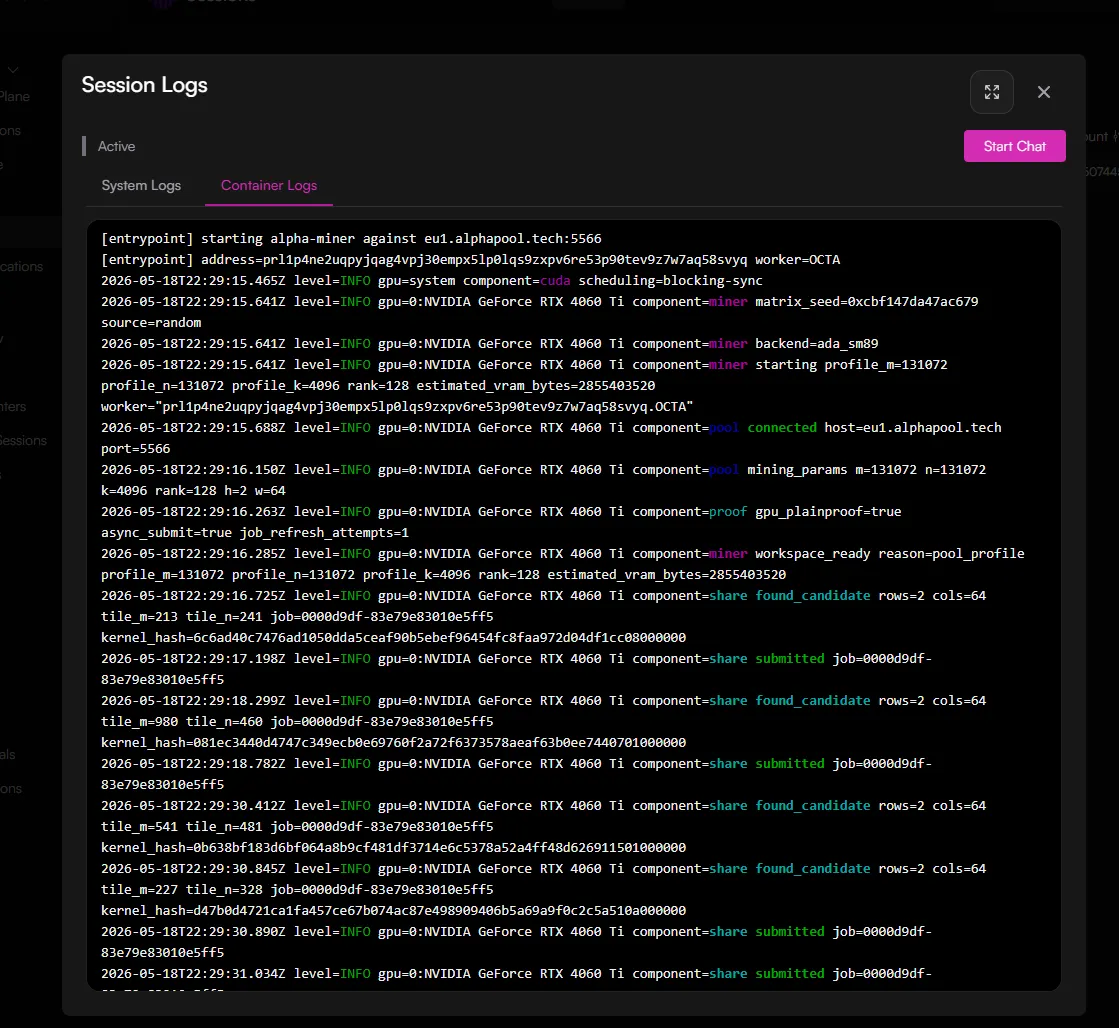
To monitor the logs you can click on the "Show the session logs" icon. and then choose Container Log.